Old Photos to Life
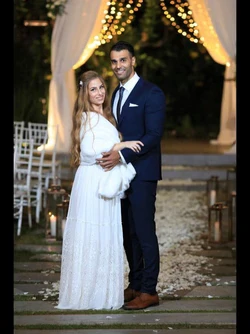
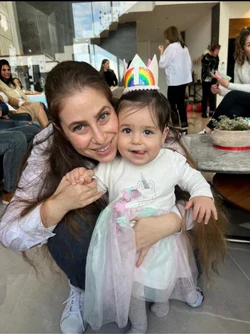
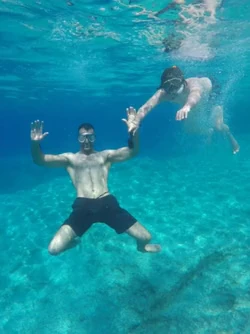
Old photos wake up — color blooms, people walk and turn, family history moves again.
How this was made
- 1
Gather 1–6 group or portrait photos across generations.
- 2
Select Old Photos to Life in Moments studio.
- 3
Order them oldest to newest if you want a story arc.
- 4
Generate — each photo lives on its own, then soft-fades into the next.
Family archives deserve more than a dusty album. Old Photos to Life colorizes and restores each photo, then brings people into motion — walking, turning, gesturing — before softly fading to the next frame.
What makes the morph work
Each photo is animated on its own (no face-to-face morph). Soft fades stitch the clips. Stronger motion looks more alive; keep faces sharp and well-lit so identity holds.
Photos that work
Scanned prints and phone photos of old prints are welcome. Faces must stay readable. One photo is enough to start; up to six builds a longer living reel.
- Scanned prints are fine — faces still need to be readable.
- Clear faces and full or half-body shots animate best (walk, turn, gesture).
- Mix sepia/vintage with modern color shots for a rich family reel.
The finish: title card & music
The morph is the magic — the finish makes it a gift. Add a personal opening line, pick a soundtrack (or upload yours), and download one MP4 ready to share. Regenerations use credits only when the render succeeds.
Quick answers
Can I use damaged old photos?
Yes, if faces are still clear. Shoot the print in even daylight, straight on. Heavy tears over faces will look soft — pick another frame if you can.
Is this only for memorials?
No. Reunions, heritage nights, and birthday films love this style too — anywhere family history should feel alive.
Why it sells
- The gift nobody else can buy — your family, alive on screen.
- Heritage nights, memorials, and reunions finally have a centerpiece.
- One film replaces a pile of albums on the coffee table.
Ready in minutes — not weeks